

How to Check IEC Code Application Status Online on DGFT Portal? Complete 2026 Guide
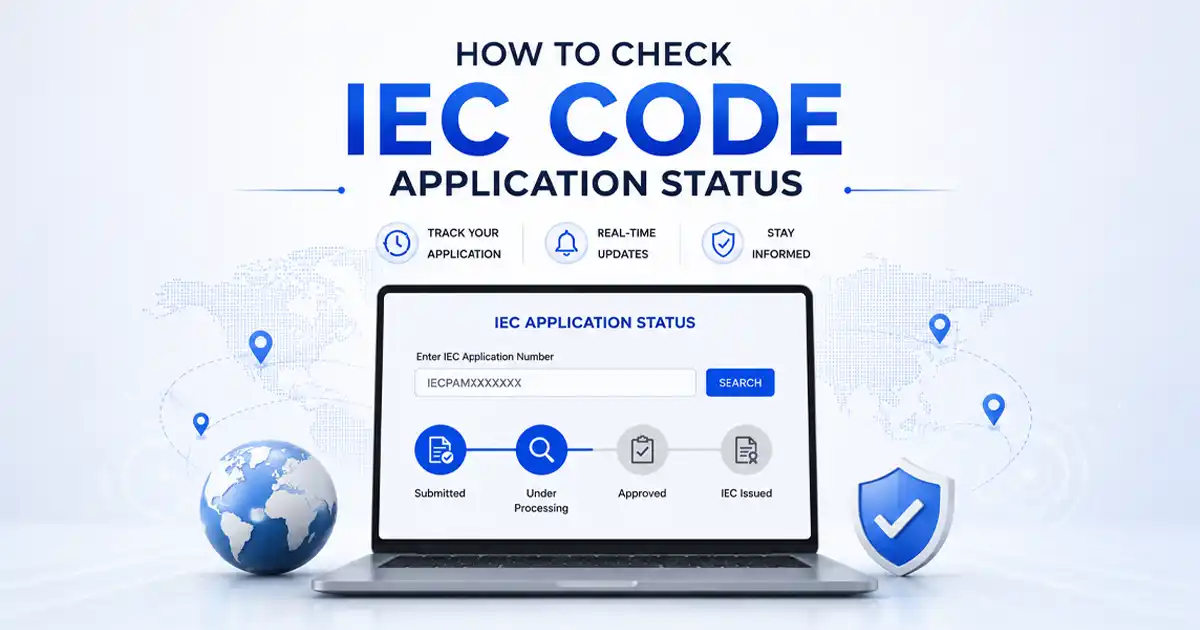
To check the IEC code application status online, visit the DGFT portal and log in using your registered credentials. Go to Services, select IEC Profile Management, and open View IEC Profile to check the current IEC status and related details.
Applicants, IEC holders, importers, exporters, and businesses planning international trade can use the DGFT portal to check their IEC status. You can also check the IEC code status using the applicant’s PAN through the DGFT public search facility, where available.
A regular IEC status check helps you confirm whether DGFT has processed your application. It also helps you identify pending actions, including document corrections or responses to queries raised by DGFT.
Key Takeaways
- The DGFT portal (dgft.gov.in) allows IEC application status checks through the applicant’s account under the IEC section.
- The Know Your IEC service allows an IEC status check using the applicant’s PAN without requiring a portal login.
- DGFT generally processes a complete IEC application within 1 to 3 working days, provided no query or document issue arises.
- IEC code enables import and export activities and supports customs clearance.
- IEC holders must complete the annual IEC update between April 1 and June 30 each year.
- Failure to complete the annual update can lead to IEC deactivation, restricting import and export customs clearance.
Why Does Checking IEC Status Matter?
Here are the key reasons why IEC application status matters:
- Confirm application progress: Track whether DGFT has received, processed, approved, or raised a query on the application.
- Identify pending action: A status check can reveal missing documents, payment issues, or queries that require a response.
- Avoid transaction delays: Confirm an active IEC before starting import or export transactions to prevent customs-related disruptions.
- Verify IEC activation: Ensure the IEC has been issued and remains active before using it for foreign trade.
- Maintain compliance: Regular status checks can highlight issues affecting IEC validity or annual updation requirements.
- Resolve issues faster: Early identification of a query or rejection allows corrective action before planned import or export activities.
How to Check IEC Status on the DGFT Portal? Step-by-Step Process
The DGFT provides two direct methods to check the IEC application status online. These include:
Method 1: Check IEC Status Through Your DGFT Account (Registered Users)
This is the primary method for checking DGFT IEC code application status and is available only to applicants who have submitted their IEC application through a registered DGFT account.
The steps are as follows:
- Step 1: Open a web browser and visit the official DGFT portal at dgft.gov.in.
- Step 2: Click “Login” on the DGFT homepage and enter your registered email address and password.
- Step 3: After logging in, open the Services menu and select IEC Profile Management. Then, click View IEC Profile to access your IEC details.
- Step 4: You can view your current IEC code status and related application details on this page. The status may show as:
- Active
- Pending
- Under Query
- or Rejected
- Step 5: If DGFT has issued your IEC certificate, you can download it from the IEC Profile Management section. The certificate includes the IEC number, entity name, PAN, and date of issuance.
Note: The View IEC Profile option displays only an IEC that has already been issued. If the application is still being processed, check its status through the DGFT dashboard under Submitted Applications.
Method 2: Check IEC Status by PAN (Without Login)
The DGFT portal also allows applicants to check IEC status using the applicant’s PAN without logging in. This method allows anyone to check the IEC code status online:
- Step 1: Go to dgft.gov.in and navigate to ‘Services’ from the top menu.
- Step 2: Select ‘IEC Profile Management’ or ‘Know Your IEC’ from the services list.
- Step 3: Enter the IEC number or PAN of the business entity or individual applicant in the search field.
- Step 4: The portal returns the IEC number, the entity name registered against that PAN, and the current IEC certificate status, including whether it is Active, Deactivated, or Surrendered.
Method 3: Check IEC Status Through the DGFT Mobile App
The DGFT mobile app provides another way to access IEC details and check their status:
- Step 1: Download the official DGFT mobile app from the Google Play Store or Apple App Store.
- Step 2: Sign in using the credentials linked to the DGFT portal account.
- Step 3: Open the IEC profile to view the issued IEC’s status and related details.
- Step 4: Use the app’s IEC verification feature to search using the PAN or IEC number, where available.
Additional Method: Check IEC Application Status by Email or Acknowledgment Number
After submitting an IEC application on the DGFT portal, the system sends an acknowledgment to the registered email address. The acknowledgment email contains a reference number. If the applicant cannot access their DGFT account, they can contact the DGFT regional authority or the DGFT helpdesk with the acknowledgment number to check the status.
IEC Status Types and What it Means
The DGFT portal displays one of the following status labels when you perform an IEC code check:
| IEC Status | Meaning | Action Required |
| Active | IEC has been issued and is currently valid. The IEC can be used for import and export clearance immediately. | Complete the mandatory annual IEC update between April 1 and June 30 each year at no cost. |
| Pending | The IEC application has been submitted and is under processing by the DGFT. This is the normal status during the review period. | Wait for DGFT processing; check again after 24 to 48 working hours. |
| Under Query | The DGFT has placed the application on hold and requires additional documents or clarification before approving the IEC. | Log in to the DGFT portal, view the query raised, and respond with the requested documents within the deadline. |
| Rejected | The DGFT rejected the application due to incorrect information, an ineligible applicant, or repeated failure to respond to queries. | Review the rejection reason, correct the issues, and file a fresh IEC application with the corrected documents. |
| Deactivated | The IEC holder did not complete the mandatory annual update between April 1 and June 30 of any financial year. | Log in to the DGFT portal and complete the pending annual update to reactivate the IEC. |
| Surrendered | The IEC holder voluntarily surrendered the code after permanently ceasing import and export activities. | Not applicable; a new IEC application must be filed if trade activities resume. |
Common Issues When Checking IEC Status and How to Resolve Them
Applicants may face certain issues while checking the IEC application status on the DGFT portal. The following points explain common problems and the appropriate steps to resolve them:
1. IEC Status Shows “Under Query”
An “Under Query” status indicates that the DGFT requires additional information before approving the IEC application.
Common reasons include:
- Address mismatch between the application and supporting documents
- Incorrect or mismatched bank account details
- Invalid supporting documents
- Missing required documents
The applicant should log in to the DGFT account, review the query, and upload the requested documents within the specified deadline. Failure to respond within the deadline may result in rejection of the application.
2. IEC Status Remains Pending
The DGFT generally processes IEC applications within 1 to 3 working days.
If the application continues to show “Pending” after three working days, the applicant should:
- Check the registered email address for DGFT communication.
- Review the spam or junk folder.
- Contact the DGFT helpdesk with the acknowledgment number and PAN.
3. PAN Search Shows No Result
A PAN-based IEC status search may show no result for several reasons, including:
- Incorrect PAN entered during the search
- IEC has not yet been issued
- No active IEC exists against the PAN
The applicant should verify the PAN carefully and search again. If the issue continues, the applicant should log in to the DGFT account and check the IEC application status directly.
