Trademark Registration Details
Check complete and verified trademark registration details instantly with RegisterKaro's Trademark Details Tool. Search by trademark name or application number to check ownership, application status, class, filing date, and official records in one place. Verify a trademark before you file, invest, and expand your brand with confidence today.
What is a Trademark?
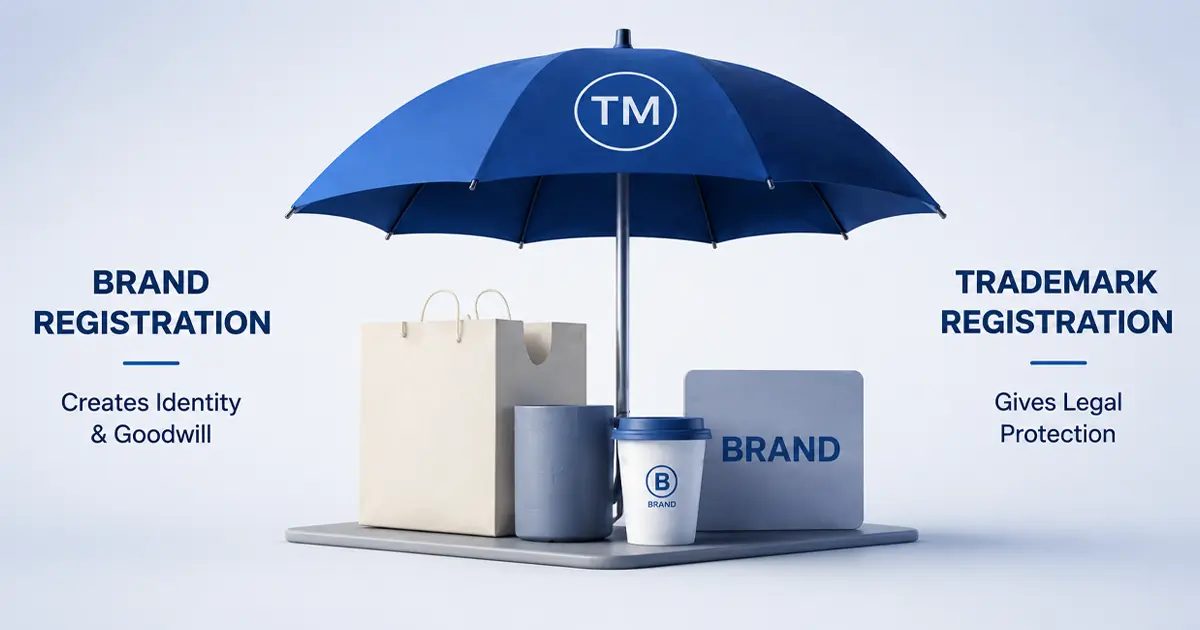
A trademark is a unique sign, symbol, word, logo, or combination that identifies a business's goods or services. It sets brands and businesses apart from their competitors in the same industry. It provides legal recognition and restricts others from using similar marks.
Registering a trademark is important as it gives the owner exclusive rights, helps build brand value, and protects against copying. Trademark Registration also allows businesses to take legal action in case someone uses a similar mark without permission.
What Makes a Trademark Unique?
A trademark becomes unique through its distinct name, logo, or design that sets it apart from others. Originality and strong brand association make a trademark easily recognizable from competitors and eligible for legal protection once recorded in the trademark database.
Key Trademark Details You Should Check:- Trademark Name or Word Mark: This is the unique name or word that identifies your brand. It helps distinguish your products or services from others in the market.
- Logo or Design (if any): Any visual symbol or design associated with your brand.
- Trademark Class: Indicates the category of goods or services your trademark covers.
- Application Number and Filing Date: A unique reference number assigned to the trademark application, along with the official date of filing.
- Trademark Status: Indicates the current legal stage of the trademark, such as pending, registered, opposed, abandoned, or expired.
- Applicant/Owner Information: Details of the person or business who owns the trademark. This ensures transparency and helps verify legal ownership.
- Similar names or logos in the same or related industry
- Phonetic similarities (sounds alike)
- Visual or conceptual resemblance that can confuse customers
- Use of common symbols that may already be registered
Such conflicts often lead to objections or rejection during trademark registration. The Trademark Search tool allows users to check whether a trademark name or logo already exists in the official trademark records.
What is a Trademark Class?
A trademark class categorizes goods or services and protects your brand within that category. It also prevents your brand from conflicts and legal issues with other trademarks. Choosing the right class from the trademark class list legally identifies your trademark. Proper classification plays a key role in safeguarding your brand identity.
Classification System: India follows the NICE classification, which divides products and services into 45 classes. 34 classes for goods and 11 for services.
By selecting the correct class, your trademark gains clear legal protection and strengthens your brand identity. The trademark class search tool can be used to identify the right class for your goods and services.
How to Check the Trademark Details Using RegisterKaro Online Tool?
Our Trademark Details Tool provides access to the official trademark database by retrieving records based on the trademark name or application number entered.
Here's a step-by-step guide on how to use RegisterKaro's Trademark Detail tool:
Step 1: Choose Search Type
Decide whether you want to search using a Trademark Name or an Application Number.
- Trademark Name: Useful if you know the brand or logo you want to check.
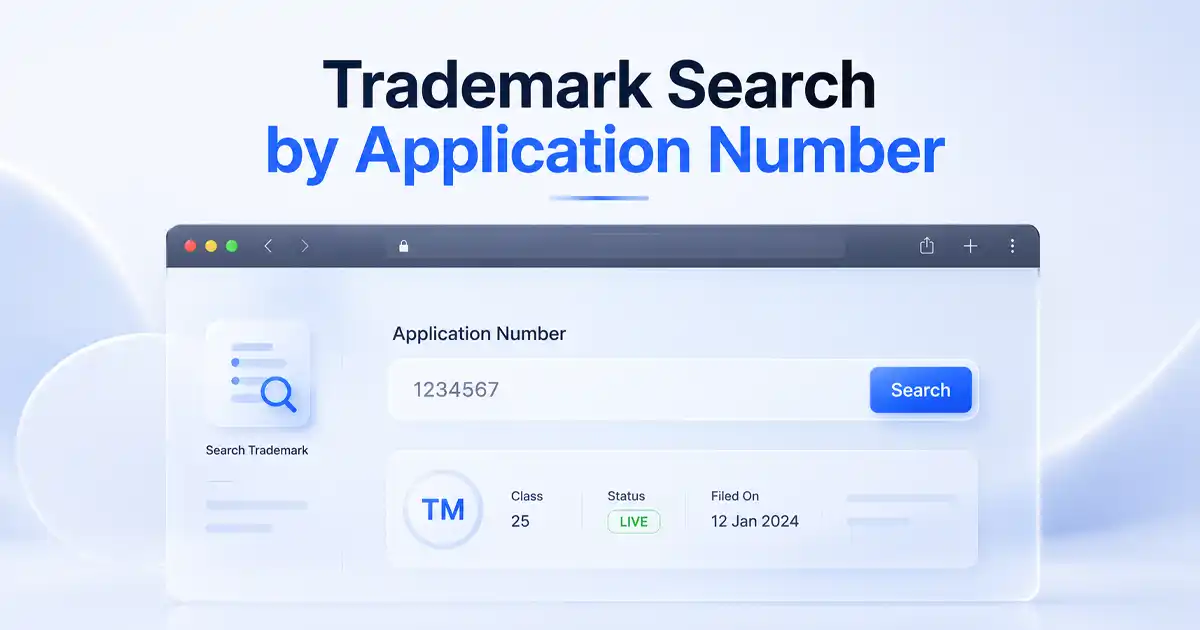
- Application Number: Best if you have official registration details or a reference from previous filings.
Choosing the right search option ensures accurate results. Our experts recommend selecting the correct type so the tool can provide precise and reliable information. It reduces the risk of missing similar or conflicting trademarks.
Step 2: Enter Details
Type the exact trademark name or application number in the search bar. Double-check for spelling errors and extra spaces, as even minor mistakes can impact search accuracy. The tool also supports partial names to show similar matches.
Step 3: Start the Search
Click the Search button to initiate the trademark lookup. The system will automatically cross-check your input with the official trademark database.
You can expect results to appear within seconds, making it faster than manual searches at government databases.
Step 4: View Results
The tool will display all relevant details from the trademark database, such as:
- Trademark name and logo
- Trademark class and description of goods/services
- Application number and filing date
- Current status (pending, registered, opposed, etc.)
- Applicant/owner information
Step 5: Check Legal and Conflict Information
Review if there are any trademark objections, oppositions, or similar marks in the same class or industry. This helps you understand potential conflicts before filing a new trademark.
You can also see if the mark has been contested in the past or is under legal review, which is important for planning your strategy.
Step 6: Analyze Validity (For Registered Trademarks)
For already registered trademarks, the tool shows the validity period and renewal dates.
This helps you plan long-term protection and ensures you do not miss renewal deadlines.
You can also compare similar registered marks to see their status and expiration dates, helping you avoid overlaps or potential legal issues.
Step 7: Take Action
Download or save the trademark report for your records. Use this information to plan your trademark registration, monitor competitors, or take legal steps if needed.
This trademark detail tool also helps startups, businesses, and legal professionals make informed decisions quickly and confidently.
Why Use RegisterKaro's Trademark Details Tool?
The RegisterKaro's Trademark Details Tool helps businesses and individuals access complete trademark information quickly and accurately. It simplifies the search process and ensures users make informed decisions about their brand.
- Quick Access to Information: Instantly view trademark name, logo, class, status, filing dates, and applicant details.
- Conflict Awareness: Identify similar trademarks in the same class or industry to avoid legal disputes.
- Time and Cost Saving: Reduces the need for manual checks and extensive legal consultations.
- Better Brand Protection: Helps plan for registration and ensures the trademark is unique and distinct.
- Status Tracking: Monitor application status, including pending objections or oppositions.
- Registered Trademark Insights: For existing trademarks, users can see validity, renewal timelines, and legal protections.
- Informed Decision Making: Empowers startups, businesses, and legal professionals to make confident filing and branding choices.
This tool acts as a one-stop solution for trademark research, protection, and strategy planning.
Trademark Search vs Registered Trademark Details Tool
The Trademark Search is for verifying availability before registration, while the Registered Trademark Details Tool is for tracking pre-approved trademarks. The table below explains the clear difference between the two tools:
| Feature | Trademark Search Tool | Registered Trademark Tool |
|---|---|---|
| Purpose | Checks if a trademark name or logo is already in use or applied for | Provides details of trademarks that are officially registered |
| Usage Stage | Used before filing to ensure uniqueness | Used after registration to monitor and manage trademarks |
| Information Provided | Shows pending, opposed, or registered applications, and similar marks | Shows validity period, renewal dates, legal status, and owner details |
| Benefit | Helps avoid conflicts and objections during registration | Helps track existing trademarks and plan brand protection or renewals |
Using the right trademark tool at the right stage ensures your brand remains unique, legally protected, and strategically positioned.