

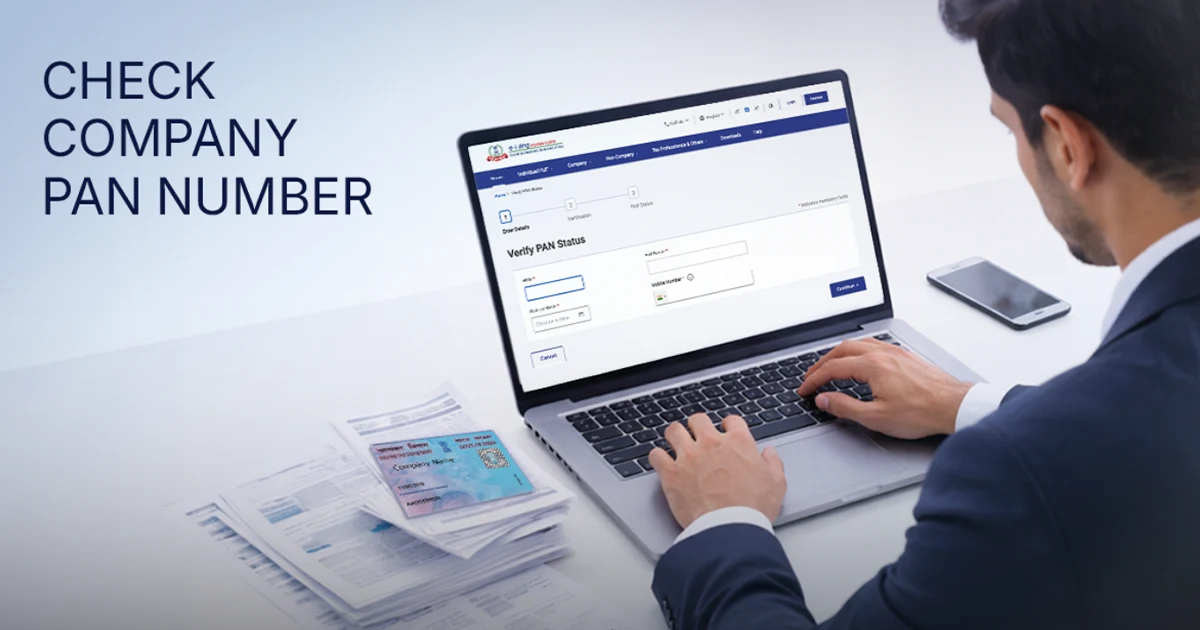
To check a company’s PAN number online in India, use the GST portal, the MCA portal, and the Income Tax e-Filing portal. The most direct method is to extract the PAN from the company’s GSTIN, where characters 3 to 12 represent the 10-character PAN. If you already have the PAN, you can verify its details through the Income Tax e-Filing portal.
Businesses and individuals often need to check company PAN number details while verifying vendors, conducting due diligence, or confirming tax records. A quick company PAN number search helps confirm whether a business is registered and compliant.
Key Takeaways
- There are several ways to check a company’s PAN online using the GST portal, MCA portal, and Income Tax e-filing portal.
- The most reliable way to find another company’s PAN is to extract it from the GSTIN, where characters 3 to 12 are the PAN (e.g., 27AABCR1234F1ZV).
- MCA doesn’t display PAN directly; instead, it may appear inside filed documents like AOC-4 or MGT-7, which are a paid view.
- To find your own company’s PAN, check your incorporation records, PAN allotment email, or Income Tax login.
5 Methods to Check and Verify a Company’s PAN Number
There are many methods available to check a company’s PAN. 5 of the most common ones are:
Method 1: Extract the PAN from the Company’s GSTIN
This is the fastest and most reliable way to find another company’s PAN because every GST number contains the PAN within it. A GSTIN is a 15-character code, and characters 3 to 12 are the company’s PAN.
Step-by-step process:
- Keep the company’s GSTIN handy. The number appears on every GST invoice, purchase order, or the company’s GST registration certificate.
- Read characters 3 to 12 of the GSTIN. For example, in 27AABCR1234F1ZV, the PAN is AABCR1234F.
- To confirm it, visit gst.gov.in → Search Taxpayer → Search by GSTIN/UIN.
- Enter the GSTIN and check that the displayed legal name matches the company.
Tip: If you already have the PAN and want the GSTINs linked to it, use the “Search by PAN” option instead.
Method 2: Find PAN Number of a Company Using MCA + Income Tax
The Ministry of Corporate Affairs (MCA) does not display a company’s PAN directly on its master data, but PAN often appears inside filed forms such as AOC-4 and MGT-7.
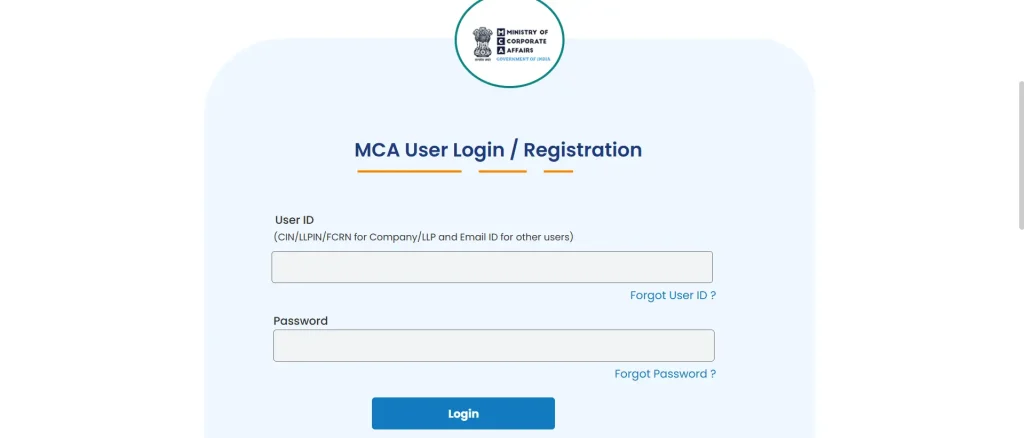
Visit the official MCA portal through a secure browser, as illustrated in the image above.
- Go to mca.gov.in → MCA Services → View Public Documents.
- Enter the company’s name or CIN (Corporate Identification Number).
- Open the latest AOC-4 or MGT-7 filing and locate the PAN in the company details.
Note: Viewing public documents on MCA is a paid service (around ₹100 per document) and requires a registered login.
- Visit mca.gov.in and click on MCA Services → View Company/LLP Master Data.
- Enter the company name or CIN (Corporate Identification Number).
- The master data page displays the Date of Incorporation along with other company details.
Method 3: Company PAN Number Search Using TRACES
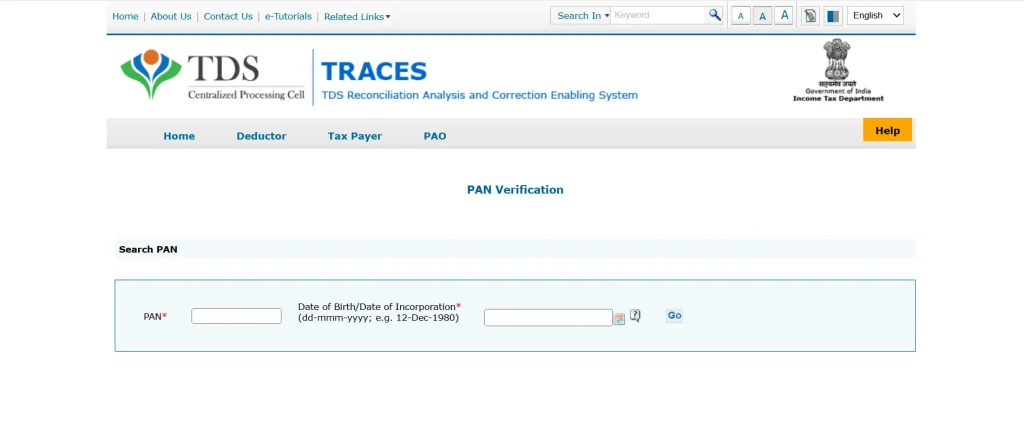
Go to the official TRACES login page using a secure browser, as shown in the image above.
The TRACES portal (TDS Reconciliation Analysis and Correction Enabling System), operated by the Income Tax Department, offers another avenue for PAN verification. Taxpayers, deductors, and deductees use TRACES to manage TDS records.
If your business receives a TDS certificate (Form 16A) from another company, the deductor’s PAN appears on the certificate. You can cross-verify that PAN directly on the Income Tax portal.
Note: The TRACES portal is not an open search tool and only shows the PANs already present in your own TDS statements.
Method 4: Verify a PAN on the Income Tax e-Filing Portal
This method works when you already have a PAN and want to confirm it is valid and active.
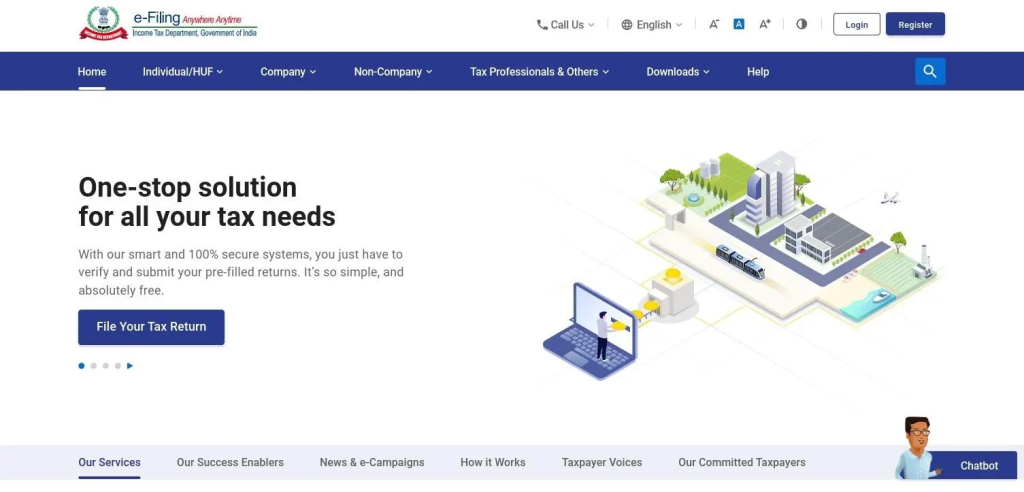
Go to the official Income Tax portal using a secure and updated web browser, as shown in the image above.
- Visit incometax.gov.in → Quick Links → Verify Your PAN.
- Enter the PAN, the company’s full registered name, and its date of incorporation.
- Enter a mobile number and complete the OTP.
- The portal confirms whether the PAN is valid and shows the registered name.
Method 5: Find Your Own Company’s PAN
For your own company, the quickest sources are your incorporation records and the Income Tax login.
- Check the PAN allotment letter/email, the PAN card, or a previous income tax return. PAN is allotted automatically when a company is incorporated through SPICe+.
- Alternatively, log in at incometax.gov.in with your company’s credentials to view the PAN on the dashboard.
Common Mistakes to Avoid While Checking a Company’s PAN Number
Below are the basic errors one makes while checking the Company PAN number that you should avoid:
- Wrong name format: Always use the full legal name. Many company PAN number search failures happen because users type abbreviated names.
- Wrong date format: The portal uses DD/MM/YYYY. Entering the date in any other format causes errors.
- Searching inactive PANs: If a company merged, demerged, or wound up, its original PAN may no longer appear in standard searches. Contact the Income Tax Assessing Officer in such cases.
- Relying on unofficial directories: Several third-party websites claim to offer a search company PAN card number feature, but these databases are often outdated. Always use the Income Tax portal or MCA for authoritative results.
